Choose Only new when you save an account you've saved before. FeedSaver saves the posts that are new since last time and stops when it reaches ones you already have. With Pro, Update the accounts you follow does this for your whole Instagram following list, one account at a time.
One account: Only new (free)
- Save the account the first timeType the
@usernameand choose All, or Latest if you only care about recent posts. Tick Reels, Reposts, Tagged, Stories or Highlights as you like. - Next time, choose Only newType the same
@usernameand pick Only new. FeedSaver reads each ticked source from newest to oldest and stops at the first post it already has. - See what changedThe result says, for example, “4 new posts saved since 25 Oct” or “No new posts since 25 Oct”. New posts appear in the library and in the account's folder, next to the ones you already had.
Many accounts: Update the accounts you follow Pro
- Open FollowingFeedSaver reads your Instagram following list and shows how many accounts you follow, how many you've saved before, and how many you haven't.
- Choose what to checkPick the sources (Posts, Reels, Tagged, Stories, Highlights). The choice applies to every account in the run. For accounts you haven't saved yet, choose Latest with a number, or Skip them.
- Untick accounts you don't wantFeedSaver remembers your unticked accounts for next time, even after you restart it.
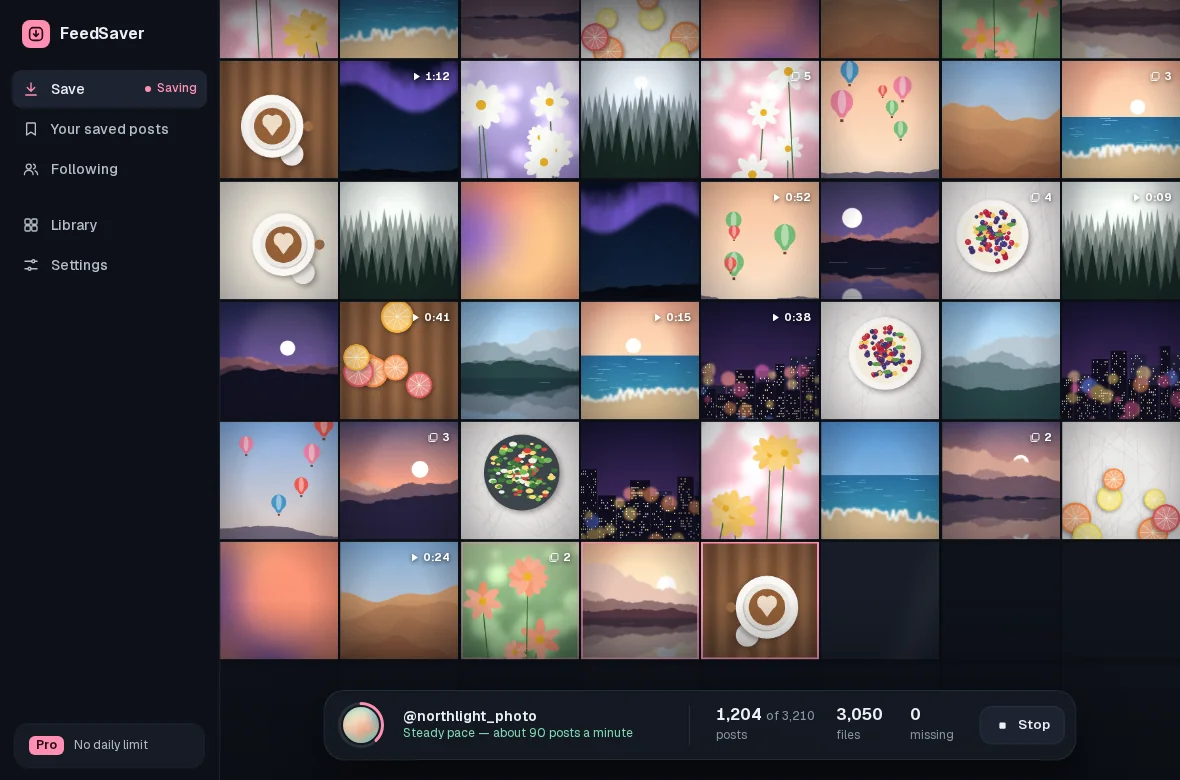
- Click UpdateFeedSaver goes through the list one account at a time. For accounts you've saved before it saves only what's new. Afterwards it lists the accounts that had new posts, and how many accounts had nothing new.
FeedSaver only reads your following list. It doesn't follow or unfollow anyone, and the accounts you untick are remembered on your PC only. Saving Stories or Highlights may mark them as seen on Instagram. You can stop a run at any time, and Resume picks up with the account it was on.
How it knows what's new
For each account and source, FeedSaver remembers where it stopped last time. Next time, it reads from newest to oldest and stops at the first post it has already saved in full. Pinned posts at the top of a profile don't end the check early: a pinned post you already have is skipped, and one you don't have is saved.
Honest limits
- Gaps need a full pass. Only new picks up posts that were found but not saved. To fill older gaps, run All once. Posts you already have are skipped, not downloaded again.
- Stories disappear after 24 hours. Only stories that are still up when you update can be saved.
- If Instagram says pause, the whole run stops. FeedSaver stops where it is and waits until you press Try again. It doesn't push on to the next account or carry on by itself, and a login problem stops the run too. An account that can't be saved for its own reasons is marked as skipped or failed.
- Many accounts take time. FeedSaver goes one account at a time at a steady pace, because Instagram can limit accounts that download a lot. It can't promise Instagram won't limit your account.
Common questions
Does it follow the account on Instagram?
No. It only reads who you follow. It doesn't follow or unfollow anyone, and your exclusions stay on your PC. Saving Stories or Highlights may mark them as seen.
What if I delete a photo from the folder?
Only new posts download during updates. To get a deleted photo back, save that account with All again. Files that are still there are skipped and missing ones are fetched.
What's free and what's Pro?
Only new, for one account at a time, is free within the daily limit of 50 files. Update the accounts you follow is Pro. Pro is $39, paid once.